
Add someone
A name, their place in the flock, a birthday if you like, and a duck colour. A child needs no email address and no password to be on the lists that minute.
Your flock is your household, whatever shape it takes: grown-ups, children with or without their own login, and the grandparent who wants the calendar but not the paperwork. Everyone gets a duck.
A name, their place in the flock, a birthday if you like, and a duck colour. A child needs no email address and no password to be on the lists that minute.
“Their own login” sends a link that works for thirty days. The invite page answers one real question in a browser first; there is no account wall.
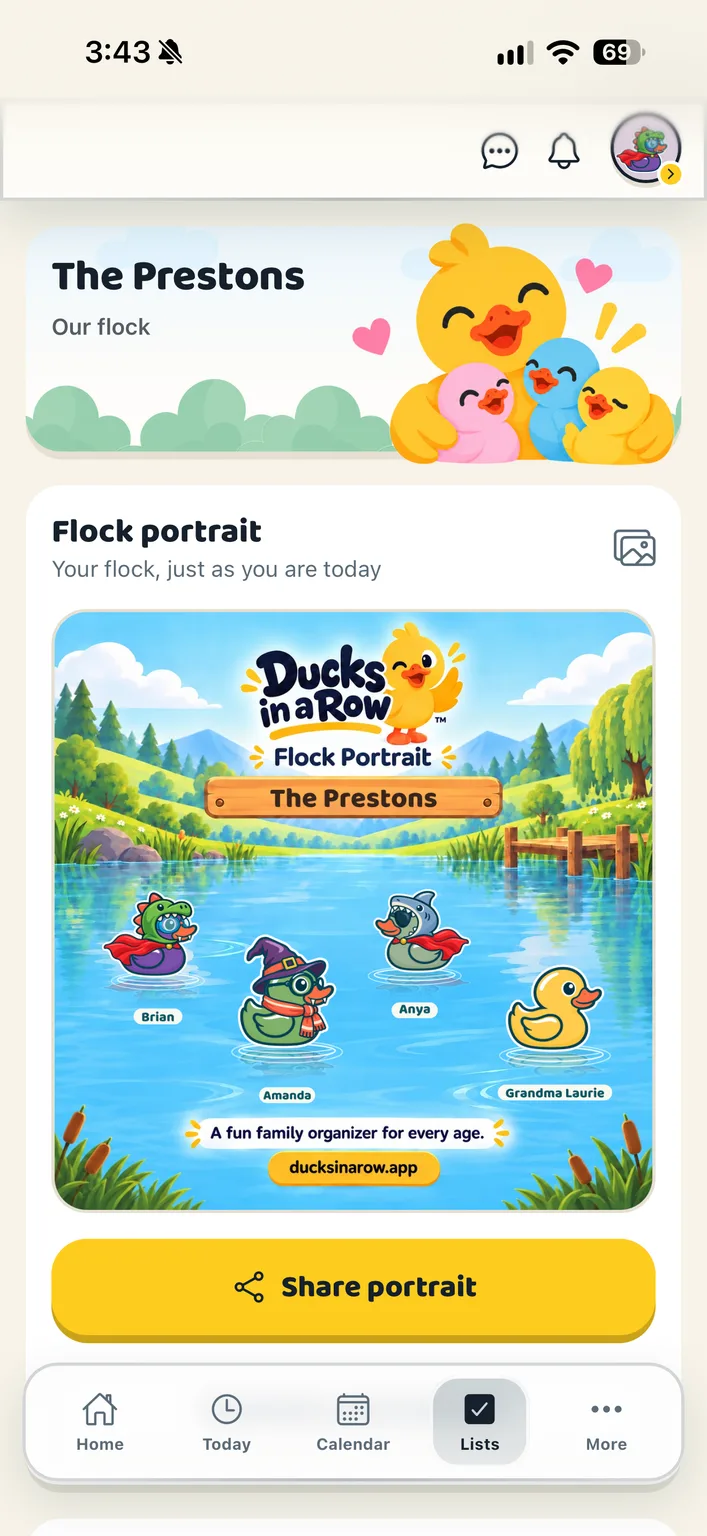
One shared picture of every duck in the household in their current outfits, with the flock’s name on it. Share it, or make a new one when someone changes their look.
Can add people, hand out tasks and open the documents.
Can claim and finish tasks, read the calendar and lists, and chat. No login needed until you choose to give them one.
A grandparent or an aunt: on the calendar, not in the documents.
Each profile has a duck, and that duck is them on every row, in chat, on the leaderboard and in the arcade.
Whether a child can suggest or add to the shopping list is set on their row, one child at a time.
Co-parent linking lives on this screen too, kept deliberately apart from the members, because the other home is not part of this flock.
Three kinds of member, and nothing that changes nothing.
No. A child gets a profile, their own duck and jobs to claim without a login or an email address. When they are older you can invite them to sign in, and their whole history of claimed chores comes with them.
Grown-ups. Documents, receipts and member settings are for the adults in the household; a child or teen sees their own jobs, the calendar, the lists and the chat. An extended member such as a grandparent can be on the calendar without opening the family’s papers.
Create your household, add your people and choose your ducks. Everything for a fortnight, then one subscription covers your whole flock.